🆕 Latest Update (February 26, 2026): Google DeepMind launched Nano Banana 2 (Gemini 3.1 Flash Image), replacing Nano Banana Pro as the default image model across the Gemini app. Pro-level quality at Flash speed, free for all Gemini users. Pro subscribers still get access to the original Nano Banana Pro via the “Redo with Pro” menu.
Nano Banana 2 Review: The Bottom Line
Google just pulled off something rare in AI: they made the upgrade free. Nano Banana 2 replaces Nano Banana Pro as the default image generator in the Gemini app, giving every user access to near-Pro quality image generation at speeds that change how you work. Think of it as Google handing out a $20/month tool for nothing.
The free tier gives you roughly 20 image generations per day at 1K resolution. Google AI Plus ($7.99/month) bumps that to about 50, while Pro ($19.99/month) unlocks around 100. If you need 4K output and 1,000 daily generations, you are looking at Ultra ($249.99/month). The one major limitation: small text can still blur at 1K resolution, and the model occasionally over-edits photos when you upload reference images. If you already use the Gemini app, you should try Nano Banana 2 today. If you need pixel-perfect 4K infographics for print, keep Nano Banana Pro on speed dial.
This Nano Banana 2 review covers real testing across text rendering, character consistency, speed, pricing, and head-to-head comparisons with Midjourney and GPT-Image-1.5. We have been using Nano Banana Pro since its November launch, and the original Nano Banana (Gemini 2.5 Flash) since August 2025, so we know exactly where the new model improves and where it falls short.
⚡ TL;DR – The Bottom Line
What It Is: Google’s free AI image generator built on Gemini 3.1 Flash — near-Pro quality at 2-3x the speed, available to every Gemini user.
Best For: Content creators, freelancers, and small business owners who need fast, high-quality images for social media, marketing, and product visualization.
Price: Free (20 images/day at 1K) · AI Plus $7.99/mo · AI Pro $19.99/mo · Ultra $249.99/mo for 4K output.
Our Take: The best free AI image generator in 2026 — speed alone transforms the creative workflow from “generate and hope” to “generate and iterate.”
⚠️ The Catch: Text blurs at 1K resolution, 503 errors during peak hours, and the model occasionally over-edits uploaded reference images. For pixel-perfect 4K infographics, you still need Nano Banana Pro.
📑 Quick Navigation
What Nano Banana 2 Actually Does
Nano Banana 2 (officially Gemini 3.1 Flash Image) is Google DeepMind’s latest AI image generation and editing model. It is built on the Gemini 3.1 Flash architecture, which means it inherits the speed of Flash models while pulling in the quality and world knowledge that made Nano Banana Pro famous. In plain English: you type what you want, and it creates or edits images in seconds, not minutes.
Here is the five-minute test. I opened the Gemini app, selected “Create images” from the tools menu, and typed: “A professional product photo of a ceramic coffee mug with the text ‘MORNING RITUAL’ printed on it, sitting on a wooden kitchen counter with soft morning light, lifestyle photography.” Ten seconds later, I had four options. The text was legible, the lighting felt natural, and the wood grain texture looked genuinely photographic. My previous experience with the original Nano Banana? The same prompt took 25 seconds and the text came out as “MORNNG RIUTAL.”
The big deal here is the combination of capabilities that used to require separate tools. You can generate images from text descriptions, edit existing photos with natural language (like “remove the background” or “change the wall color to teal”), blend up to 14 reference images into composites, maintain character consistency across up to 5 people, render accurate text in multiple languages, and pull real-time information from Google Search for factually grounded visuals. That last feature is unique. No other AI image generator can reference current events or real brands with this level of accuracy.
🔍 REALITY CHECK
Marketing Claims: “Pro-level quality at Flash speed”
Actual Experience: Speed is genuinely impressive at 4-8 seconds per generation, roughly 2-3x faster than Nano Banana Pro. Quality hits about 95% of Pro for most tasks. But for ultra-fine 4K infographics and complex text-heavy designs, Pro still holds a noticeable edge in compositional depth and text precision.
Verdict: Accurate for 9 out of 10 use cases. The remaining 10% (studio-grade print work) still benefits from Pro.
💡 Key Takeaway: If you’re creating images for web, social media, or marketing, Nano Banana 2 delivers 95% of Pro quality at 2-3x the speed — and it’s free. The only reason to reach for Pro is dense text-heavy infographics or 4K print output.
Getting Started: Your First Five Minutes
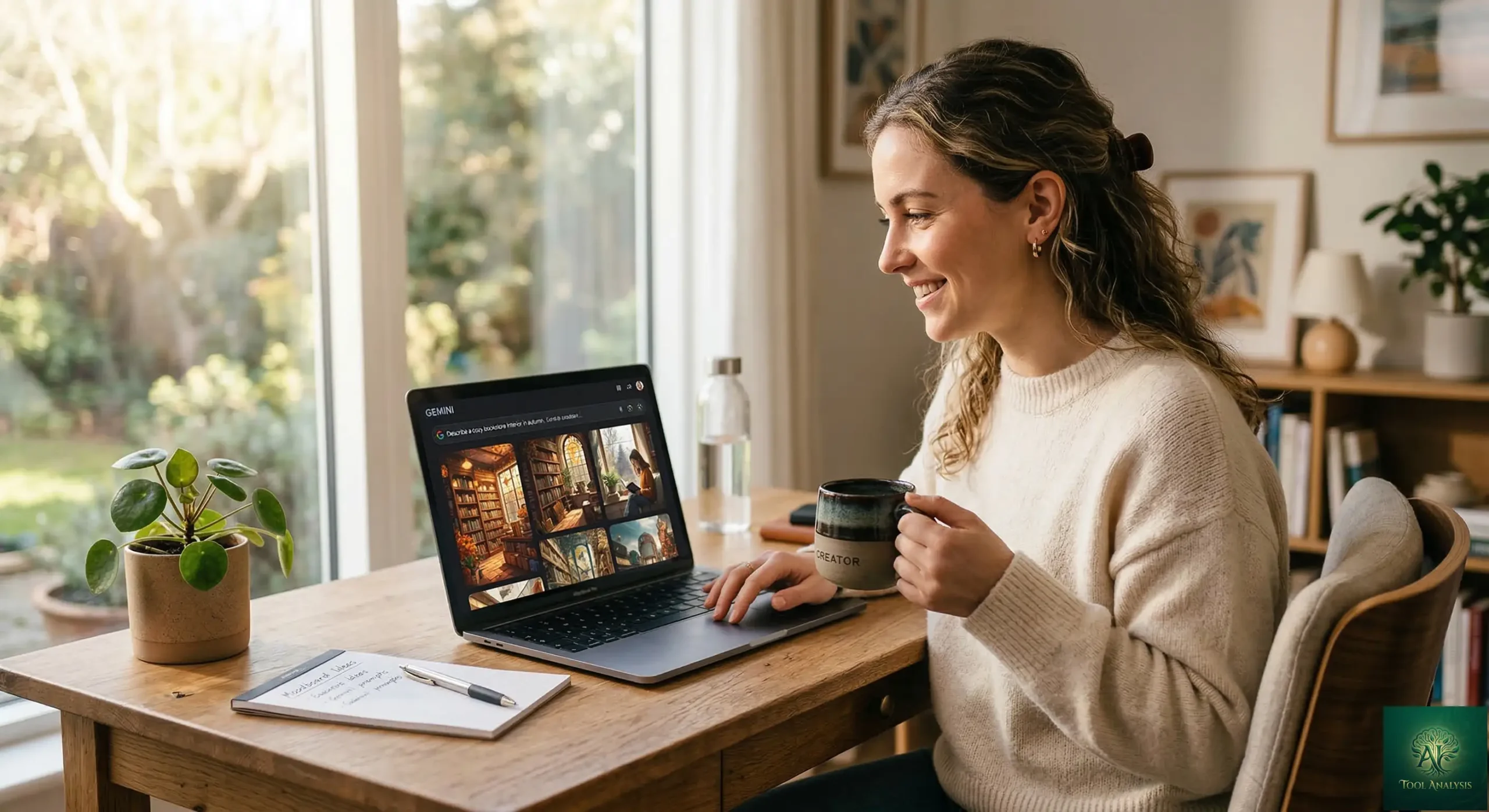
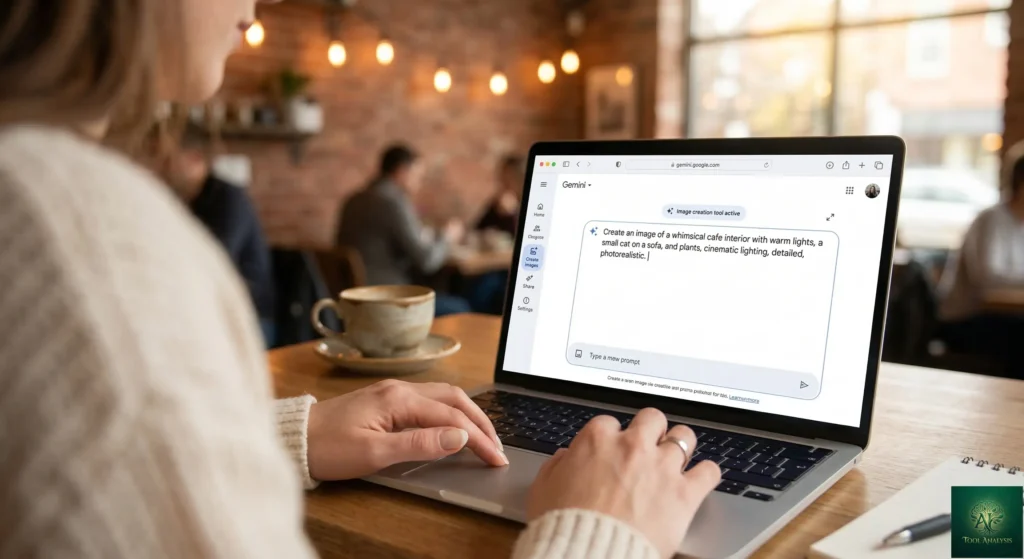
Getting started takes about two minutes. Open the Gemini app at gemini.google.com (or the mobile app), and select “Create images” from the tools menu, which typically shows a banana icon. You can use the Fast, Thinking, or Pro model from the model dropdown. All three now default to Nano Banana 2. Type your prompt or upload an image to edit, and hit generate.
The interface is clean and conversational. Unlike Midjourney’s Discord-based workflow, there is no learning curve for commands or parameters. You describe what you want in plain English, and the model interprets it. Want changes? Just say “make the background darker” or “add sunglasses to the person on the left.” The conversational editing is where Nano Banana 2 genuinely shines over competitors.
One frustration: during peak US and European business hours, free tier users occasionally hit “503 Model Overloaded” errors. Reddit users report this happening most frequently between 9 AM and 3 PM EST. If this happens, try again in a few minutes, or shift your heavy generation work to off-peak hours. Paid subscribers experience this far less frequently, with Ultra users getting priority access.
Features That Actually Matter
Speed and Generation Quality ⭐⭐⭐⭐⭐
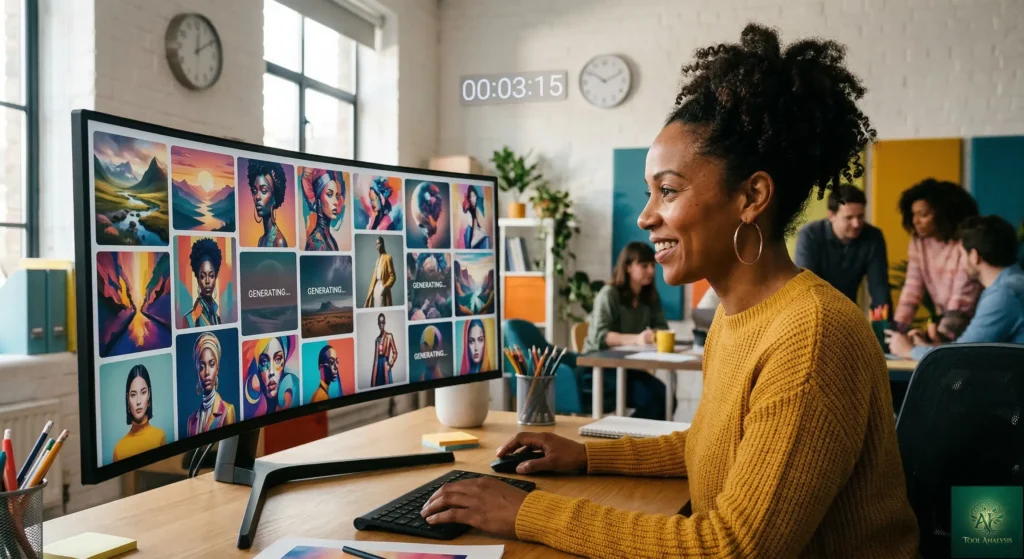
Speed is the headline improvement, and it is real. Complex prompts render in 4-8 seconds, compared to 10-20 seconds for Nano Banana Pro and 20-30 seconds for the original Nano Banana. This sounds like a minor convenience upgrade, but it fundamentally changes how you work. Instead of carefully crafting one prompt and hoping for the best, you can fire off 20 variations in the time it used to take for 3-4. That rapid iteration makes Nano Banana 2 feel less like a generation tool and more like a creative partner.
Visual quality has improved noticeably. Portraits show better skin texture detail and more natural-looking cinematic lighting. Colors are more vibrant out of the box, with punchier contrast that often eliminates the need for post-processing. Independent reviewers have noted that Nano Banana 2 produces images that are frequently indistinguishable from photographs at standard web resolutions.
Text Rendering ⭐⭐⭐⭐
Text rendering was the original Nano Banana’s breakthrough moment, and version 2 refines it further. Short text like headlines, product labels, and signage renders cleanly and legibly. I tested a prompt for a movie poster with the title “MIDNIGHT CROSSING” and a tagline below it. Both came through perfectly spelled with appropriate font styling. Marketing mockups, greeting cards, and social media graphics with text are now genuinely viable without manual correction.
The limitation: longer paragraphs of text still show waviness and occasional character errors when you zoom in. And at 1K resolution (the free tier default), small text can blur. For text-heavy infographics or designs requiring perfect typography across multiple paragraphs, Nano Banana Pro still holds the edge. But for 90% of practical use cases like posters, product shots with labels, and social cards, Nano Banana 2 delivers.
Character Consistency ⭐⭐⭐⭐
Nano Banana 2 can maintain character resemblance for up to 5 people across multiple generations and preserve the fidelity of up to 14 objects in a single workflow. This matters for storyboarding, comic creation, and marketing campaigns where the same person needs to appear consistently across different scenes. I uploaded a portrait and generated the same person in five different settings. Facial features stayed recognizable in four out of five, with slight drift in the most complex scene (a crowded market).
Web-Grounded Generation ⭐⭐⭐⭐⭐
This is the feature no competitor can match. Nano Banana 2 can pull real-time information from Google Search during generation. Ask it for an image featuring a specific real-world location, a recent product, or a current event reference, and it delivers grounded, accurate visuals. Try generating “A Tesla Cybertruck parked in front of Tokyo Tower at sunset with cherry blossoms” in Midjourney. You will get a generic futuristic truck near a generic tower. Nano Banana 2 nails both the vehicle and the landmark because it can reference actual images from the web. For anyone doing marketing, editorial, or educational content, this is a game-changer.
🔍 REALITY CHECK
Marketing Claims: “Advanced world knowledge for more accurate renderings”
Actual Experience: Web grounding works impressively for well-known brands, landmarks, and products. It struggles with obscure references and very recent events (within 24-48 hours). Search grounding also adds $0.014 per query on the API after 5,000 free monthly prompts, which can inflate costs by 21%.
Verdict: Genuinely useful for commercial work. Budget-conscious API users should disable grounding for prompts that do not need it.
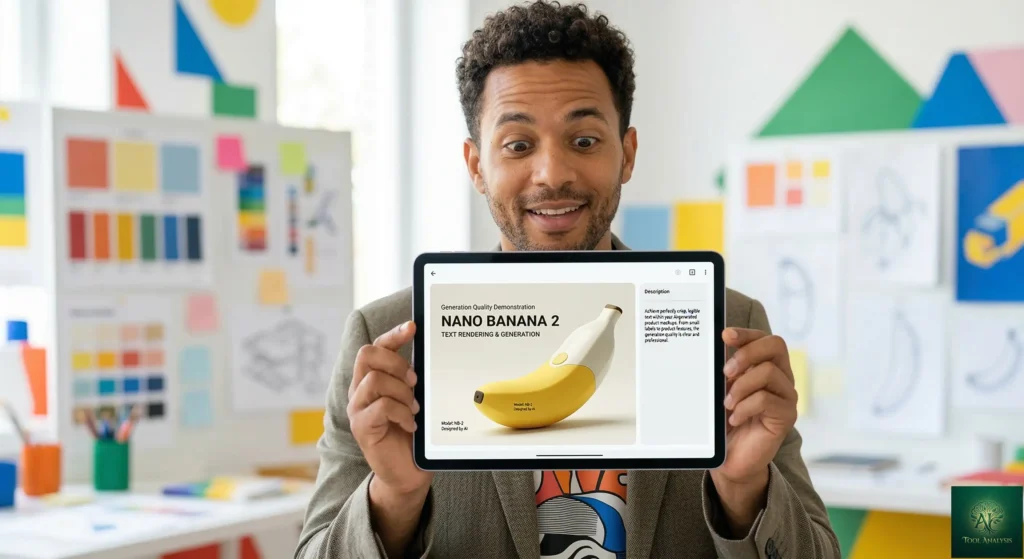
⚡ Generation Speed Comparison: How Fast Is Nano Banana 2?
Pricing Breakdown: What You Will Actually Pay
Nano Banana 2 is available for free through the Gemini app. But “free” comes with strings. Here is the real pricing landscape as of March 2026, covering both consumer subscriptions and API access for developers.
Consumer Subscription Tiers
| Plan | Monthly Cost | Daily Generations | Max Resolution | Key Extras |
|---|---|---|---|---|
| Free | $0 | ~20 | 1K | Visible watermark, region restrictions |
| Google AI Plus | $7.99 | ~50 | 1K-2K | 200GB storage, family sharing |
| Google AI Pro | $19.99 | ~100 | 2K | “Redo with Pro” access, 2TB storage |
| Google AI Ultra | $249.99 | ~1,000 | 4K | Full commercial controls, priority access |
If you are coming from the best AI image generators landscape, the free tier alone is more generous than most paid competitors. Midjourney has no free tier at all (starting at $10/month), and ChatGPT’s image generation is limited to 2 images per day for free users. The Google AI Plus tier at $7.99/month competes directly with ChatGPT Go at $8/month but includes far more image generation capacity.
API Pricing for Developers
| Resolution | Standard API | Batch API (50% off) |
|---|---|---|
| 512px | $0.045 | $0.022 |
| 1K (1024px) | $0.067 | $0.034 |
| 2K (2048px) | $0.101 | $0.050 |
| 4K (4096px) | $0.151 | $0.076 |
The API pricing is where Nano Banana 2 gets seriously competitive. At $0.067 per 1K image, it costs exactly 50% less than Nano Banana Pro for the same resolution. If you use the Batch API for non-urgent workloads, 1K images drop to $0.034, which is 75% cheaper than Pro’s standard rate. The hidden cost to watch: search grounding adds $0.014 per query after 5,000 free monthly prompts, and input tokens add a negligible $0.000025 per typical text prompt. Budget an extra 15-30% above headline prices for realistic cost planning.
Developers can access Nano Banana 2 through Google AI Studio (free tier with rate limits), the Gemini API, and Vertex AI for enterprise deployments.
💡 Key Takeaway: If you’re building an app that generates images via API, Nano Banana 2’s Batch API at $0.034 per 1K image is the cheapest high-quality option available. Just watch the search grounding surcharge — disable it for prompts that don’t need real-world references.
📬 Enjoying this review?
Get honest AI tool analysis delivered weekly. No hype, no spam.
Head-to-Head: Nano Banana 2 vs Nano Banana Pro vs Midjourney vs GPT-Image-1.5
I tested the same prompt across all four tools: “A professional headshot of a woman in her 30s wearing a navy blazer, warm studio lighting, neutral gray background, confident expression.” Here is what I found.
| Criteria | Nano Banana 2 | Nano Banana Pro | Midjourney V7 | GPT-Image-1.5 |
|---|---|---|---|---|
| Speed | 4-8 seconds | 10-20 seconds | 20-30 seconds | 15-25 seconds |
| Photorealism | ⭐⭐⭐⭐⭐ | ⭐⭐⭐⭐⭐ | ⭐⭐⭐⭐⭐ | ⭐⭐⭐⭐ |
| Text Rendering | ⭐⭐⭐⭐ | ⭐⭐⭐⭐⭐ | ⭐⭐ | ⭐⭐⭐⭐ |
| Character Consistency | ⭐⭐⭐⭐ | ⭐⭐⭐⭐⭐ | ⭐⭐⭐ | ⭐⭐⭐ |
| Editing Capabilities | ⭐⭐⭐⭐⭐ | ⭐⭐⭐⭐⭐ | ⭐⭐⭐ | ⭐⭐⭐⭐ |
| Free Tier | ~20/day | Limited | None | ~2/day |
| Starting Price | $0/month | $19.99/month | $10/month | $0 (limited) |
The headshot prompt told the story clearly. Nano Banana 2 produced the most photorealistic result with accurate studio lighting in 6 seconds. Midjourney created the most aesthetically “artistic” version with beautiful but slightly over-stylized lighting in 25 seconds. GPT-Image-1.5 delivered a solid, literal interpretation that closely matched the prompt but with slightly flatter skin textures. Nano Banana Pro produced the highest-fidelity result overall with more natural skin pores and fabric detail, but took 15 seconds.
The winner depends on your workflow. For rapid iteration and everyday content creation, Nano Banana 2 wins on speed and value. For pixel-perfect print-ready work, Nano Banana Pro remains the choice. For purely artistic and atmospheric imagery, Midjourney still has an edge. And for users already embedded in the ChatGPT ecosystem, GPT-Image-1.5 offers solid quality with the convenience of conversational editing.
🕸️ Feature Comparison: Nano Banana 2 vs The Competition
Who Should Use This (And Who Should Not)
Choose Nano Banana 2 if you need fast, high-quality image generation for social media, blog posts, marketing mockups, or product visualization. It is the best free option available in 2026 and the best value at any price tier below Midjourney’s $30/month Standard plan. Freelancers, small business owners, and content creators who need “good enough for professional use” images quickly will love this tool.
Stick with Nano Banana Pro if you are doing studio-grade work that demands maximum compositional depth, the sharpest possible text rendering for dense infographics, or 4K output for large-format printing. Pro is still the tool to beat for functional accuracy in professional workflows.
Stick with Midjourney if artistic style and aesthetic “vibe” are your top priority. Midjourney V7 produces imagery with a distinctive atmospheric quality that Nano Banana 2 does not replicate. Concept artists, fantasy illustrators, and brand designers seeking unique visual identity should keep their Midjourney subscription.
Skip entirely if you need AI image generation for privacy-sensitive applications. The free tier collects data for model improvement, and Google’s terms around image data usage may not satisfy enterprise compliance requirements. Also skip if you are in a region with strict Gemini access limitations, as some users report persistent region blocks.
What Users Are Actually Saying
Community sentiment after two weeks is overwhelmingly positive, with some notable caveats. On Reddit’s r/GeminiAI, users praise the speed improvement as transformative. One user described their experience as being able to “spam variations, tweak prompts on the fly, and actually iterate like crazy without losing your mind waiting.” Multiple users call it their daily driver for everyday AI art work.
The criticism centers on three issues. First, some users describe Nano Banana 2 as a “downgrade” from Pro for specific tasks, particularly noting that the model can over-edit photos when reference images are uploaded. Second, the “503 Model Overloaded” error frustrates paying subscribers during peak hours. Third, region locks prevent users in certain countries from accessing the latest features, even with a paid subscription.
Independent reviewers at getimg.ai found that Nano Banana 2 shows stronger photorealism and skin texture detail compared to Pro, while maintaining the same industry-leading text rendering standards. The consensus: for 90% of what most people do with AI image generation, Nano Banana 2 is better because the speed increase means projects actually get finished instead of abandoned mid-wait.
🔍 REALITY CHECK
Marketing Claims: “Maintains high-quality aesthetics at the speed expected from Flash”
Actual Experience: Some Reddit threads frame it as a downgrade from Pro. Side-by-side differences can be hard to spot for most use cases, but demanding users notice reduced compositional depth and occasional character drift in complex multi-person scenes. Google’s own model card acknowledges limitations with spatial reasoning and masked edits.
Verdict: Not a downgrade for typical users. A genuine trade-off of maximum fidelity for 3x speed at half the cost. Most people will prefer the faster workflow.
💡 Key Takeaway: If you’re seeing “Nano Banana 2 is a downgrade” on Reddit, check who’s saying it — most complaints come from Pro power users doing studio-grade work. For everyday content creation, the 90% consensus is that faster iteration at free tier beats slower perfection at $20/month.
The Road Ahead: What Is Coming
Based on Google’s blog posts and developer signals, here is what to expect. In the short term (1-3 months), Nano Banana 2 will continue rolling out across additional Google products including Ads and Workspace integrations. Google is also improving SynthID watermarking with C2PA Content Credentials for better AI content identification. In the medium term (3-6 months), expect resolution improvements to the free tier and expanded regional availability. Long term, Google’s trajectory suggests deeper integration between image generation and Gemini 3’s agentic capabilities, potentially enabling automated visual content pipelines. The AI video generation space is also converging with image generation, and Google’s Flow platform already uses Nano Banana 2 as its default image model at zero credits.
FAQs: Your Questions Answered
Q: Is Nano Banana 2 free?
A: Yes, with limits. Free Gemini users get approximately 20 image generations per day at 1K resolution. You will see a visible watermark on free-tier images. For higher limits and resolution, paid plans start at $7.99/month (Google AI Plus).
Q: Can Nano Banana 2 replace a professional photographer?
A: For web and social media product shots, mockups, and marketing visuals, yes, in many cases. For high-end print advertising, editorial photography, or images requiring specific real-world subjects, no. Think of it as replacing the first 80% of visual content needs, not the final 20% that demands a human eye.
Q: Is my data safe with Nano Banana 2?
A: On the free tier, Google uses your prompts and generated images to improve their models. Paid subscribers get better privacy protections. For enterprise needs, Vertex AI offers data residency controls and processing agreements. If data privacy is critical, avoid the free tier for sensitive content.
Q: How does Nano Banana 2 compare to ChatGPT’s image generation?
A: Nano Banana 2 is faster (4-8 seconds vs 15-25 seconds), has a more generous free tier (20/day vs 2/day), offers better text rendering, and includes web-grounded generation that ChatGPT lacks. GPT-Image-1.5 has better natural language understanding for complex artistic prompts and integrates more smoothly into text-based ChatGPT conversations.
Q: What is the learning curve?
A: Minimal. If you can describe what you want in a sentence, you can use Nano Banana 2. First useful image: under 2 minutes. Consistent good results: within your first session. Mastering advanced features like multi-image compositing and character consistency takes a few hours of experimentation.
Q: What happened to Nano Banana Pro?
A: Nano Banana Pro (Gemini 3 Pro Image) is still available. Google AI Pro and Ultra subscribers can access it by clicking the three-dot menu on any generated image and selecting “Redo with Pro.” It has not been retired. It is repositioned as the premium option for maximum quality when speed is less important.
Q: Can I use Nano Banana 2 images commercially?
A: Yes, with caveats. Paid tiers include commercial usage rights. Free-tier images include a visible watermark that makes professional use impractical. All images include an invisible SynthID watermark for AI content identification. Check Google’s current terms for your specific use case, as policies evolve.
Q: Does Nano Banana 2 work for video generation?
A: No, Nano Banana 2 is image-only. For AI video generation, Google offers Veo 3.1 through Google’s creative tools ecosystem, available in the Flow platform. For alternatives, see our Seedance review or Kling AI guide.
Final Verdict: ⭐⭐⭐⭐½ (4.5/5)
The best free AI image generator in 2026. Pro-level quality at Flash speed, with the only meaningful trade-offs in 4K text precision and peak-hour reliability.
Nano Banana 2 is the most important AI image generator launch of early 2026 because it makes Pro-level quality accessible to everyone for free. The speed improvement alone transforms the creative workflow from “generate and hope” to “generate and iterate.” Text rendering, character consistency, and web-grounded generation set it apart from every free competitor. The deductions come from occasional 503 errors during peak hours, text quality limitations at 1K resolution, and character drift in complex scenes.
✅ What We Liked
- ✓ Free tier with 20 generations/day — most generous in the market
- ✓ 4-8 second generation speed transforms creative workflow
- ✓ Web-grounded generation is unique and genuinely useful
- ✓ Conversational editing is intuitive and powerful
- ✓ API pricing at 50% less than Pro makes it viable for developers
❌ What Fell Short
- ✗ Text blurs at 1K resolution on free tier
- ✗ 503 errors during peak US/EU business hours
- ✗ Over-edits uploaded reference images occasionally
- ✗ Region locks block some countries from full features
Use Nano Banana 2 if you want the best free AI image generator in 2026, need fast iteration for content creation, or are already in the Google ecosystem. Stick with Nano Banana Pro if pixel-perfect 4K infographics are your livelihood. Stick with Midjourney if unique artistic style matters more than speed or cost.
Try Nano Banana 2 today for free at gemini.google.com by selecting “Create images” from the tools menu.
Founder of AI Tool Analysis. Tests every tool personally so you don’t have to. Covering AI tools for 10,000+ professionals since 2025. See how we test →
Stay Updated on AI Creative Tools
Stay ahead of the creative AI curve. Weekly reviews of AI image generators, video editors, and design platforms — with honest testing, not press releases.
- ✅ Honest Reviews: We actually test these tools, not rewrite press releases
- ✅ Price Tracking: Know when tools drop prices or add free tiers
- ✅ Feature Launches: Major updates covered within days
- ✅ Comparison Updates: As the market shifts, we update our verdicts
- ✅ No Hype: Just the AI news that actually matters for your work
Free, unsubscribe anytime. 10,000+ professionals trust us.
Want AI insights? Sign up for the AI Tool Analysis weekly briefing.
Newsletter

Related Reading
Explore more AI image generation reviews and comparisons:
- Nano Banana Pro Review: The Original That Started It All
- Gemini 2.5 Flash Review: Complete Testing of Nano Banana
- Best AI Image Generators 2025: Complete Comparison
- Midjourney Review 2025: V7 Real Tests and Pricing
- Google AI Studio Review: Free Access to Nano Banana 2 API
- Gemini 3 Review: The Platform Behind Nano Banana
- Seedance Review: AI Video Generation
- Kling AI Complete Guide
Last Updated: March 10, 2026
Nano Banana 2 Version Tested: Gemini 3.1 Flash Image (February 2026 release)
Next Review Update: April 10, 2026
Have a tool you want us to review? Suggest it here | Questions? Contact us